

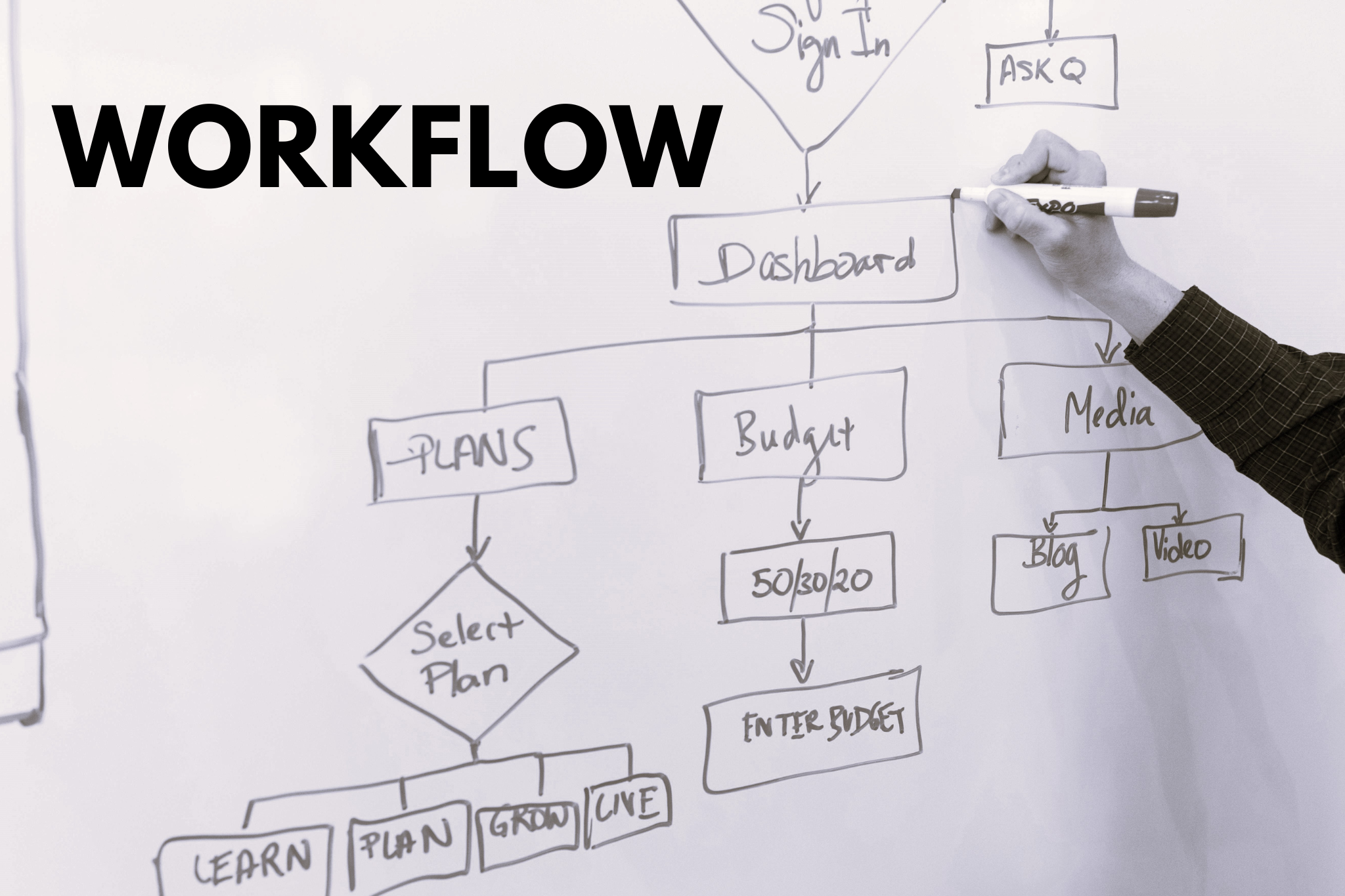
Struggling to make AI productive? This simple 5-step workflow combines human thinking with AI efficiency. Learn the exact system top performers use daily. Takes 5 minutes to learn.
The AI Mistake Everyone Makes
Sarah spent hours crafting the perfect prompt and dumping her entire meeting transcript into ChatGPT. The result? Generic, useless output.
The Hybrid Workflow That Wins
Alex approached it differently. He used AI only where it accelerates his work and applied his own thinking where it matters. Five focused minutes later, he had clear, actionable insights.

How a Hybrid AI Workflow Works
Don’t ask, “Should I use AI?” Ask, “Which parts need human judgment and which need AI speed?”
Think of it like cooking: you don’t microwave everything, and you don’t cook everything from scratch. You choose the right method for each ingredient.
The Practical 5-Step Workflow (Use This Today)
This workflow is repeatable every single day for meetings, research, planning, or problem-solving.
Step 1: Capture Ideas Manually (HUMAN)
Start by writing down your thoughts, observations, or meeting notes by hand or in a simple text editor.
Why manual? Your brain processes information differently when you physically write. You’re thinking, not just recording. This is where insights happen.
Example: During a meeting, jot down key points, your reactions, questions that pop up, and emotional context.
Step 2: Identify Key Points (HUMAN)
Review what you captured and circle or highlight the most important pieces. What actually matters?
Why manual? AI can’t read between the lines. Only you know what’s strategically important, what surprised you, or what connects to bigger goals.
Example: From 30 minutes of notes, identify the 5-7 points that will drive decisions or actions.
Step 3: Send Key Info to AI (BRIDGE)
Now and only now bring in AI. Feed it your curated key points, not everything you captured.
Why this works: You’re giving AI focused input, not asking it to figure out what matters. Garbage in, garbage out. Quality in, quality out.
Example: “Here are the 6 main concerns from our client meeting: [paste your key points]. What questions should we address in our follow-up?”
Step 4: AI Generates Summaries + Tasks (AI)
Let AI do what it does best: organize information, generate comprehensive summaries, create action plans, and spot patterns in data.
Why AI? This administrative work takes humans forever but takes AI seconds. Stop wasting your brain on tasks a machine handles better.
Example: AI creates a formatted meeting summary, suggests 10 action items with owners and deadlines, and drafts follow-up email templates.
Step 5: Execute Work Faster (OUTPUT)
Use the AI-generated materials to move faster. Send summaries to stakeholders immediately. Start tasks without delay. Focus your energy on execution, not administration.
Why this matters: The time you save on documentation and organization goes into actual productive work.

Why This Workflow Actually Works
Most AI workflows fail because they skip the human thinking steps. They treat AI like a magic box dump everything in, expect brilliance out.
The hybrid approach works because:
- Human capture = Better thinking and context awareness
- Human curation = Strategic filtering AI can’t do
- AI processing = Speed and comprehensive organization
- Human execution = Direction and decision-making
Each step uses the right tool for the job.
Real Example: Marketing Strategy Meeting
Without hybrid workflow: 60-minute meeting → 30 minutes writing messy notes → AI generates generic summary from transcript → Spend 45 minutes editing AI output → Total: 2 hours 15 minutes
With hybrid workflow: 60-minute meeting → 10 minutes identifying key points → 2 minutes feeding to AI → AI generates summary + tasks in 30 seconds → 10 minutes reviewing and sending → Total: 80 minutes
Time saved: 55 minutes. Quality: Higher.
Common Mistakes to Avoid
Mistake 1: Skipping Manual Capture
Going straight to AI transcripts means you miss the thinking that happens while taking notes. Your brain isn’t engaged.
Mistake 2: Feeding AI Everything
When you dump entire transcripts or documents into AI without curation, you get superficial, generic outputs that miss what actually matters.
Mistake 3: Trusting AI Blindly
AI makes confident mistakes. Always review outputs with your strategic lens before using them.
Mistake 4: Manual Work You Don’t Need
Some people refuse to use AI out of principle and waste hours on administrative tasks. That’s not noble it’s inefficient.
How to Start Using This Today
For your next meeting:
- Take manual notes focusing on what surprises you or seems important
- After the meeting, spend 5 minutes highlighting key points
- Copy those key points into ChatGPT or Notion AI with a clear prompt
- Let AI create your summary and action list
- Review, edit lightly, and share immediately
Track this: How long did the whole process take? How does the output quality compare to your old method?
Most people save 30-60 minutes per meeting while producing better documentation.
Bottom Line
The future of productive work isn’t choosing between human and AI. It’s knowing exactly when to use each.
- Humans capture ideas, identify what matters, make strategic decisions
- Bridge curates and hands off focused information
- AI processes, organizes, and generates comprehensive outputs
- Execution happens faster because admin work is handled
Five steps. Repeatable every day. Works for meetings, research, planning, problem-solving, and creative work.
Stop fighting with AI. Stop avoiding AI. Start dancing with it.
Try this workflow once. You’ll never go back to the old way.
Quick Start Guide
First time trying this?
- Print or save the 5-step framework image above
- Use it for your very next meeting or work session
- Notice where you feel the difference (usually Steps 3-5)
- Adjust the process to fit your specific work
The best workflow is the one you’ll actually use. Start simple, refine as you go.
Frequently Asked Questions
What is a hybrid AI workflow?
A hybrid AI workflow combines human thinking with artificial intelligence processing to maximize productivity. Instead of using AI for everything or nothing, you strategically use manual work for creative thinking and context awareness, then leverage AI for processing, organizing, and generating comprehensive outputs. This approach typically saves 30-60 minutes per task while producing higher quality results than using either method alone.
How do I integrate AI into my daily workflow?
Start by identifying repetitive tasks where AI excels: summarizing information, generating action items, organizing data, and creating documentation. Use the 5-step hybrid approach: (1) capture ideas manually to engage your brain, (2) identify key points using human judgment, (3) send curated information to AI, (4) let AI generate summaries and tasks, (5) execute faster using AI outputs. Begin with one meeting or project, track your time savings, and gradually expand to other areas.
What are the best AI tools for workflow automation?
The most effective AI tools for workflow automation include ChatGPT for general processing and ideation, Notion AI for note-taking and knowledge management, Claude for detailed analysis, and Otter.ai for meeting transcription. However, the tool matters less than the workflow. Focus on using AI for administrative tasks (summaries, organization, action lists) while keeping strategic thinking, creative work, and decision-making manual. Most productivity gains come from workflow design, not tool selection.
Should I use AI or manual note-taking for meetings?
Use both strategically. Manual note-taking during meetings engages your brain, improves retention by 73% compared to AI transcription, and helps you identify what truly matters. AI transcription captures everything but misses context and strategic importance. The optimal approach: take manual notes during the meeting to process information, then feed key points to AI afterward for comprehensive summaries and action item generation. This hybrid method saves 30-60 minutes per meeting while maintaining quality.
References
Ekin, S., Perez, A. J. and Kuhn, R. E. (2023) ‘Integrating large language models into workflows’, arXiv preprint arXiv:2312.10089. Available at: https://arxiv.org/abs/2312.10089 (Accessed: 21 January 2026).
Harvard Business Review (2023) ‘How to design an AI workflow’, Harvard Business Review, 14 September. Available at: https://hbr.org/2023/09/how-to-design-an-ai-workflow (Accessed: 21 January 2026).
McKinsey & Company (2024) The economic potential of generative AI: The next productivity frontier. Available at: https://www.mckinsey.com/capabilities/mckinsey-digital/our-insights/the-economic-potential-of-generative-ai-the-next-productivity-frontier (Accessed: 21 January 2026).
MIT Sloan Management Review (2024) ‘Building hybrid human-AI workflows for productivity’, MIT Sloan Management Review, Spring 2024. Available at: https://sloanreview.mit.edu/article/building-hybrid-human-ai-workflows/ (Accessed: 21 January 2026).
Notion (2023) Notion AI: Your AI-powered workspace. Available at: https://www.notion.so/product/ai (Accessed: 21 January 2026).



Leave a Reply