Discover 5 common project management problems freelancers face and how Notion templates for freelance project management help you stay organized and productive. Freelancing offers incredible freedom, but it also comes with unique challenges that can make or break your business.
The good news? You’re not alone in facing these challenges, and there are proven solutions that can transform your workflow from chaotic to streamlined. Let’s explore the five most common project management problems freelancers encounter and discover practical tools to overcome them.
Problem #1: Difficulty Tracking Multiple Clients and Projects
The Challenge
When you’re managing three, five, or even ten different clients simultaneously, each with their own projects, deadlines, and requirements, things get overwhelming fast. You might find yourself constantly asking: “What did I promise Client A?” or “When is that deliverable due for Client B?”
Without a centralized system, freelancers often resort to scattered notes, endless email threads, and mental gymnastics that inevitably lead to missed deadlines or forgotten tasks.
The Solution: A Comprehensive Freelancer Dashboard
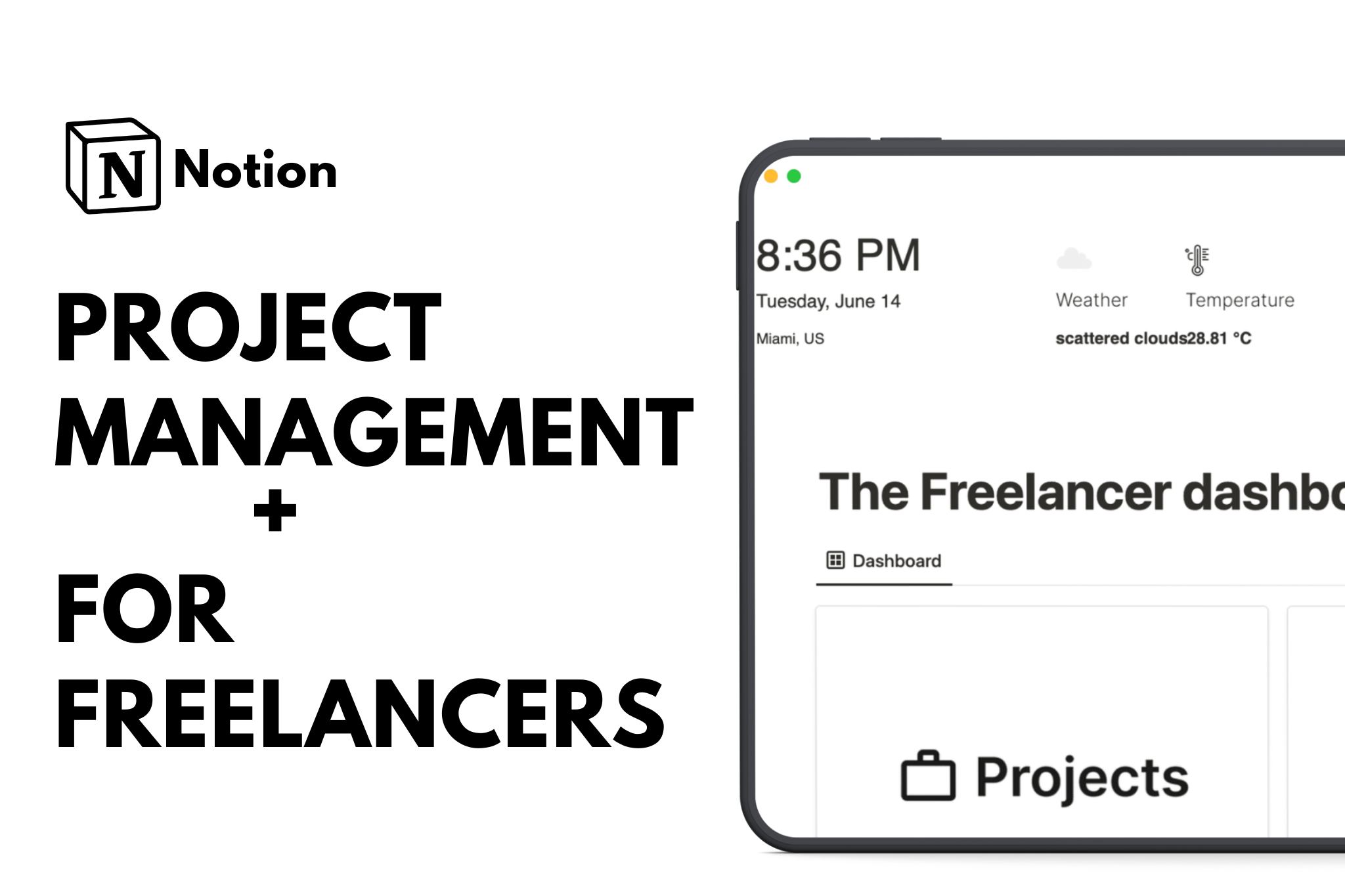
One of the most effective solutions is implementing a dedicated freelancer dashboard system. The Freelancer Dashboard by Yudax serves as an excellent starting point for organizing your entire client and project ecosystem in one place.

Real-world experience: One freelancer spent around 4 hours customizing this template to fit their specific workflow and found it “incredibly helpful” despite needing some additional database work for task details and tracking. The initial time investment paid off significantly in the long run.
Pro tip: While templates provide solid structure, expect to spend a few hours tailoring any system to your specific needs. Look for templates with pre-filled examples and built-in guidance to smooth the customization process.
Problem #2: Unclear Task Prioritization
The Challenge
Not all tasks are created equal, but when you’re staring at a to-do list with 30 items, how do you decide what to tackle first? Freelancers often fall into the trap of working on whatever feels most urgent in the moment, which isn’t always what’s most important for their business or clients.
This reactive approach leads to important strategic work getting pushed aside for minor administrative tasks, ultimately limiting your growth and client satisfaction.
The Solution: Priority Flow Decision-Making Framework
The Priority Flow – Master Prioritization by mrpugo template introduces a systematic approach to task management using a decision-making matrix. This framework helps you categorize tasks into four distinct quadrants, making it crystal clear what deserves your immediate attention.

The four-quadrant approach typically includes:
- Urgent and Important: Do these tasks immediately
- Important but Not Urgent: Schedule dedicated time for these
- Urgent but Not Important: Delegate or minimize these if possible
- Neither Urgent nor Important: Eliminate or defer these tasks
Why this matters: By using a consistent prioritization framework, you shift from reactive firefighting to proactive business management. You’ll find yourself spending more time on high-value activities that actually move your business forward.
Implementation tip: Review and categorize your tasks weekly, then daily. This regular practice ensures you’re always working on what truly matters rather than what simply feels pressing.
Problem #3: Lack of Centralized Communication
The Challenge
Freelancers often communicate with clients across multiple platforms: email, messaging apps, video calls, and project management tools. Critical information gets scattered, leading to miscommunication, repeated questions, and the dreaded “I can’t find that conversation” moments.
The Solution: Client-Centric Management Systems
The Notion Freelancer Kit and specialized Client List templates focus on improving client relationships while centralizing all communication and project details in one accessible location.

Key features that solve communication chaos:
- All client correspondence documented in one place
- Project requirements and scope clearly defined and accessible
- Quick-reference contact information and preferences
- Streamlined onboarding process from initial contact to project completion
Real-world application: The best client management systems are designed with speed in mind, making it quick to onboard new clients, track project progress, and ultimately complete work efficiently. This approach doesn’t just improve organization; it directly impacts revenue by reducing administrative overhead.
Communication best practice: Establish a single source of truth for each client relationship. Whether it’s a Notion workspace, a project management platform, or a well-organized folder system, commit to documenting all important communications and decisions there.
Problem #4: Difficulty Managing Time and Deadlines
The Challenge
Time management is perhaps the most critical skill for freelancers, yet it’s also one of the hardest to master. Without the structure of traditional office hours, freelancers struggle with underestimating project timelines, over-committing to clients, and feeling constantly behind schedule.
The pressure of multiple deadlines can lead to burnout, rushed work, and the uncomfortable reality of disappointing clients with late deliveries.
The Solution: Structured Project Planning
Anthropic’s Project Planner template offers an approachable solution that freelancers find “easy to use, not so intimidating to start planning projects.” This accessibility is crucial because complex systems often go unused.

Essential elements of effective time management:
- Realistic time estimates based on similar past projects
- Buffer time built into every deadline (things always take longer than expected)
- Visual timeline showing how projects overlap
- Clear milestones that break large projects into manageable chunks
The psychology of planning: Templates that feel approachable encourage consistent use. When project planning feels overwhelming, freelancers avoid it entirely, defaulting to reactive scheduling that inevitably leads to problems.
Practical strategy: Start by tracking how long tasks actually take you. After a few weeks, you’ll have data-driven insights into your working pace, allowing you to set more realistic deadlines and manage client expectations more effectively.
Problem #5: No Standard Workflow or Reusable Processes
The Challenge
Many freelancers reinvent the wheel with every new project. Without standardized workflows, you’re constantly making decisions about basic processes: “How should I structure this proposal?” “What’s my revision policy?” “When should I send invoices?”
The Solution: Workflow Templates and Process Documentation
The Freelancer Workflow Kanban by mrpugo offers a structured approach organized around key freelance stages: Inquiry, Proposal, Working, Invoicing, and Completed. This stage-based system ensures you focus on the right tasks at each project phase without missing critical steps.

Why workflow templates transform freelance businesses:
- Repeatable processes free mental energy for creative work
- Consistent client experiences build professional reputation
- Easier to delegate or scale when processes are documented
- Reduced errors from following proven sequences
Different approaches for different needs:
Minimalist approach: Simple, clean templates (like those in the Simple & Minimalist category) work well for freelancers who want basic structure without complexity. These typically focus on essential stages and avoid feature bloat.
The Ultimate Solution: Integrated Freelance Systems
While addressing each problem individually helps, the most successful freelancers use integrated systems that solve multiple challenges simultaneously.
Freelance System by heyismail: A Multi-Tiered Approach
The Freelance System by heyismail has achieved over 5,000 sales with 133 five-star ratings, demonstrating its effectiveness across diverse freelance businesses. This comprehensive solution offers a “genius multi-tiered approach” with options for free users, individuals, and teams.

Choosing the right system: Consider your current pain points, technical comfort level, and business complexity. Start with core features you’ll actually use rather than choosing the most feature-rich option that might overwhelm you.
Conclusion
Project management challenges aren’t a sign that you’re failing at freelancing; they’re a natural result of managing a complex business solo. The freelancers who thrive aren’t necessarily more talented or harder working; they’re the ones who implement systems that handle complexity so they can focus on delivering exceptional work.
Whether you start with a simple dashboard, a prioritization framework, or a comprehensive freelance operating system, the key is starting somewhere. The hours you invest in building proper project management systems will return multiplied in reduced stress, improved client satisfaction, and sustainable business growth.
FAQs
What is the best project management software for freelancers?
Notion is one of the best project management tools for freelancers because it combines task tracking, client management, documentation, and workflows in one customizable platform. Using Notion templates for freelance project management allows freelancers to replace multiple paid tools with a single workspace.
How can freelancers manage multiple clients without expensive tools?
Freelancers can manage multiple clients effectively by using Notion templates that include client databases, linked projects, and task views. These templates act as lightweight CRM systems, reducing the need for expensive client management software.
Are Notion templates a good alternative to paid project management tools?
Yes, Notion templates can replace many paid project management tools by offering customizable workflows, task automation, and centralized documentation. For freelancers, Notion templates provide flexibility without recurring subscription costs.
How do freelancers track deadlines and productivity in Notion?
Freelancers can track deadlines and productivity in Notion using project timelines, task due dates, calendar views, and progress dashboards. Notion templates for freelance project management make it easier to visualize workloads and stay on schedule.
What features should a freelance project management system include?
A strong freelance project management system should include client tracking, task prioritization, deadline management, documentation, and reusable workflows. Notion templates allow freelancers to build all of these features in one flexible workspace.