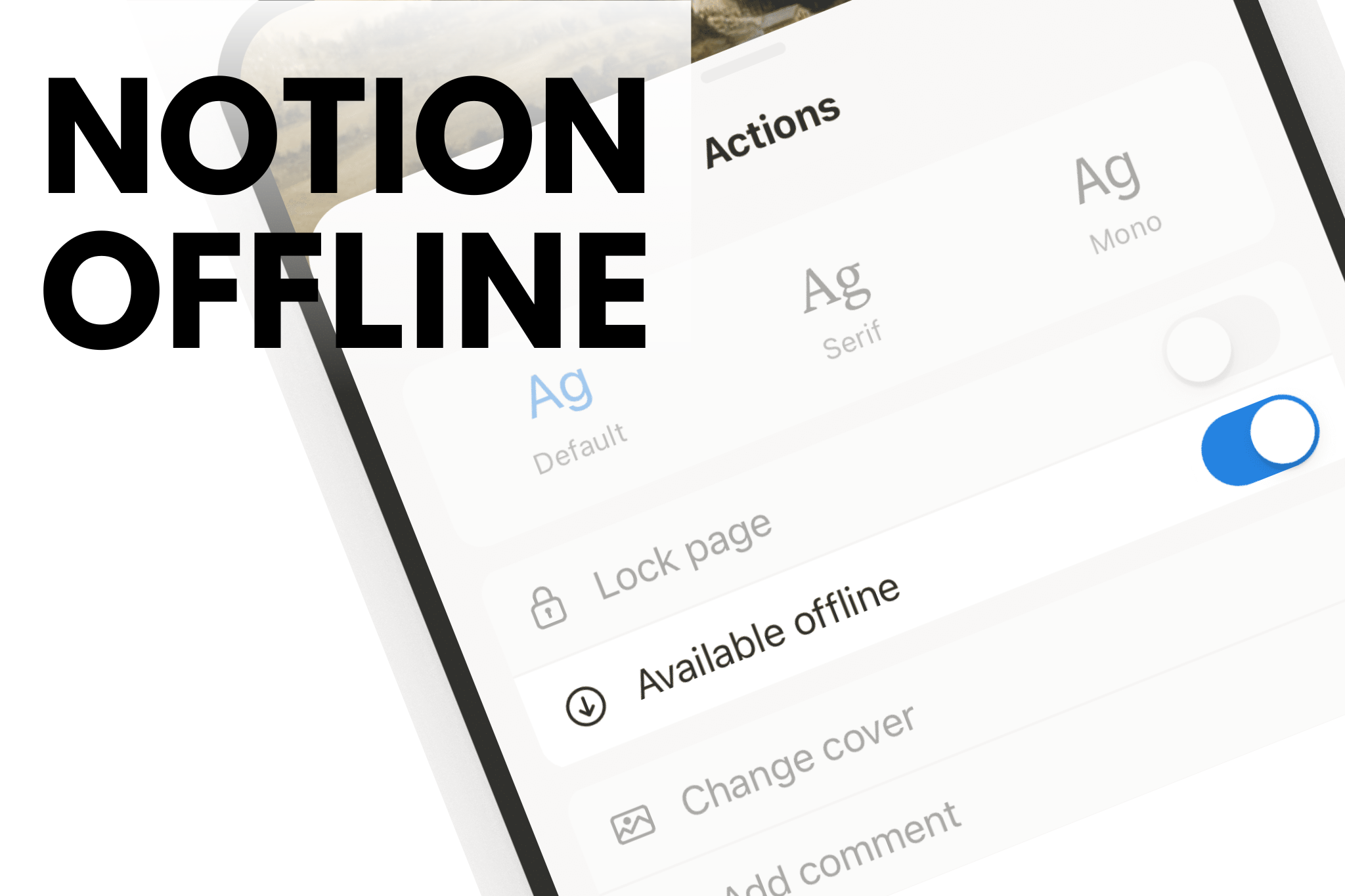
In a world built around constant connectivity, being online has quietly become the default. But what if greater productivity doesn’t come from adding more tools or tabs but from intentionally disconnecting? Notion Offline challenges this assumption, offering an unexpected way to use a digital workspace without the usual digital noise. It raises a compelling question: can working offline with Notion actually help you focus better and get more done?

The Hidden Cost of Always Being Online
When we work online, we invite an endless stream of stimulation and distractions into our workspace. Notifications ping, tabs beckon, and the temptation to “quickly check” something derails our focus. This constant connectivity fragments our attention and diminishes the quality of our cognitive work.
The solution isn’t abandoning digital tools entirely. Instead, it’s about embedding offline functionality into the apps we rely on, creating intentional boundaries between connected and disconnected work.
When You Actually Need Notion Offline
Understanding when offline mode serves you best is crucial for implementing this approach effectively.
1. Working on the Move
Whether you’re commuting, traveling, or simply moving between locations, internet connectivity can be unreliable or unavailable. Notion’s offline mode ensures your productivity system travels with you seamlessly, regardless of WiFi availability.
2. Deep Work Sessions
Cal Newport’s concept of deep work requires sustained, focused attention on cognitively demanding tasks. Working offline in Notion eliminates the possibility of digital interruptions, creating an environment conducive to your best thinking.
3. Anytime, Anywhere Flexibility
Life doesn’t always happen in places with reliable internet. Offline Notion gives you the freedom to access your notes, plans, and ideas whenever inspiration strikes or whenever you have a spare moment, without being tethered to connectivity.
4. Using Notion as a Reminder and Tracker
When Notion functions primarily as your task manager and habit tracker, offline mode allows you to check in, update your progress, and review your commitments without the temptation of online distractions.
5. Notion as Your Idea Repository
For those who use Notion as a digital notebook for capturing ideas, thoughts, and notes, offline mode creates a distraction-free environment for reflection and documentation.
Who Benefits Most from Offline Notion?
Certain groups find exceptional value in Notion’s offline capabilities.
Students
Academic work demands deep concentration. Students can use offline Notion to take notes during lectures, review study materials without distraction, and work on assignments with full focus, syncing their progress when they return online.
Travelers and Digital Nomads
For people constantly on the move, offline Notion ensures productivity never depends on finding the next WiFi hotspot. Access your travel plans, project notes, and work documents from airports, trains, or remote locations.
Fitness Enthusiasts
Tracking workouts, logging meals, and planning fitness routines becomes seamless with offline Notion. Leave your phone in airplane mode at the gym and focus on your physical performance, syncing your data later.
Content Creators
Writers, designers, and creators benefit immensely from distraction-free environments. Offline Notion provides a sanctuary for creative work, allowing ideas to flow without the constant pull of the internet.
Templates That Thrive Offline
Certain types of Notion templates are particularly well-suited for offline use, especially those designed around intentional disconnection.
Wellness Templates help you track meditation, gratitude journaling, and self-care practices without the irony of being online while trying to unplug.
Deep Work Templates structure focused work sessions, time blocking, and project planning in an environment free from digital interference.
Rest and Sleep Templates allow you to log sleep patterns, plan bedtime routines, and track rest without the blue light and stimulation of being online.
Fitness Templates document workouts, track progress, and plan nutrition without the distraction of social media or email notifications.
The Cognitive Advantage: Offline Work for Mental Tasks
Perhaps the most compelling reason to embrace offline Notion is its impact on cognitive performance. Certain mental tasks simply perform better when executed offline, away from the fragmentation of digital distraction.

Tasks That Benefit from Offline Execution
Logic and Reasoning require sustained mental effort and the ability to hold complex information in working memory. Notifications and interruptions fracture this delicate cognitive state.
Critical Thinking demands the ability to analyze, evaluate, and synthesize information deeply. This higher-order thinking suffers when our attention is constantly redirected.
Detailed Planning involves mapping out complex projects, considering multiple variables, and thinking several steps ahead. This strategic thinking needs uninterrupted mental space.
Writing is perhaps the activity most damaged by fragmented attention. Quality writing flows from sustained focus, not from context-switching every few minutes.
Brainstorming and Idea Generation thrive in a state of relaxed focus, where the mind can make unexpected connections. Online distractions kill this creative state.
The Optimal Offline Notion Workflow
Implementing an offline-first approach with Notion doesn’t mean abandoning online functionality. Instead, it’s about strategically choosing when to be offline and when to go online, optimizing each mode for its strengths.
Step 1: Execute Cognitive Tasks Offline
When facing work that requires deep thinking, creativity, or sustained focus, deliberately go offline. Use Notion to document your thinking, draft your writing, plan your projects, or capture your ideas in a distraction-free environment.
Step 2: Use Offline Notion for Core Functions
While offline, Notion becomes your tool for documenting progress, scheduling your time, planning projects, and delegating tasks. The focus shifts from consumption and communication to creation and organization.
Step 3: Sync When You Go Online
When you’re ready to reconnect, Notion automatically syncs all changes made offline. This seamless synchronization means you never lose work and can transition smoothly between offline and online modes.
Step 4: Leverage Online Notion for Connected Tasks
Once online, use Notion for activities that benefit from connectivity: checking automated trackers, receiving reminders, optimizing your systems with online resources, and saving information that requires internet access.
Making the Shift: Practical Tips for Offline Notion Success
Set Clear Boundaries: Decide which tasks warrant offline focus and schedule dedicated offline work sessions.
Prepare Your Workspace: Before going offline, ensure all necessary Notion pages are downloaded and accessible. Open the pages you’ll need while still connected.
Embrace the Constraint: View offline mode not as a limitation but as a feature that protects your focus and enhances your cognitive performance.
Trust the Sync: Notion’s synchronization is reliable. Let go of anxiety about changes being saved and focus on your work.
Experiment with Duration: Start with short offline sessions and gradually extend them as you experience the benefits.
The Future of Productivity Is Intentionally Offline
As digital tools become more sophisticated, the temptation to always be connected grows stronger. But true productivity isn’t about having more access to more things it’s about having the right access to the right things at the right time.
Notion’s offline capabilities represent a new paradigm in productivity: tools that support both connection and disconnection, recognizing that different types of work thrive under different conditions.
By strategically using Notion offline, you reclaim your attention, protect your cognitive resources, and create the conditions necessary for your best work. In a world that constantly demands your online presence, the ability to go offline might be the most productive choice you can make.
The question isn’t whether you can afford to work offline. It’s whether you can afford not to.
FAQs
Does Notion work offline without an internet connection?
Yes, Notion Offline works with limitations. You can access pages that were previously loaded or manually made available offline, but creating new pages, syncing changes, and accessing databases fully requires an internet connection. Understanding these limits helps users plan a reliable offline workflow.
How do I enable Notion Offline mode on desktop and mobile?
To use Notion Offline, open the pages you need while online so they cache locally. On mobile, Notion is more reliable offline than desktop, but syncing and database updates only occur once you reconnect to the internet.
What features are unavailable when using Notion Offline?
When working in Notion Offline, features like real-time sync, collaboration, search across all pages, AI tools, and database updates may not work. This makes offline mode best for focused writing, planning, and reviewing not complex project management.
Is Notion Offline good for productivity and focus?
Yes Notion Offline can improve productivity by reducing digital distractions. Many users find that working disconnected encourages deeper focus, faster writing, and more intentional task planning, especially during travel or deep-work sessions.
What are the best alternatives to Notion Offline for full offline productivity?
If full offline access is critical, alternatives like Obsidian, Evernote, and Apple Notes offer stronger offline-first experiences. However, Notion Offline remains valuable for users who prefer structured databases and cloud-based workflows with occasional offline use.
References
Notion (n.d.) Working offline in Notion: Everything you need to know. Notion. Available at: https://www.notion.com/help/guides/working-offline-in-notion-everything-you-need-to-know (Accessed: 5 January 2026).
Notion (n.d.) Working offline in Notion: Everything you need to know. Notion. Available at: https://www.notion.com/help/guides/working-offline-in-notion-everything-you-need-to-know (Accessed: 5 January 2026).
Super.so (n.d.) How to use Notion offline: 5 simple steps. Super.so. Available at: https://super.so/blog/how-to-use-notion-offline-5-simple-steps (Accessed: 5 January 2026).