Notion Templates For Engineering are a tonne but engineering teams face a unique challenge: balancing technical complexity with operational efficiency. While developers excel at building systems, managing the workflows, documentation, and decisions that support those systems often becomes an afterthought. The right Notion templates can transform chaos into clarity, turning your workspace into a strategic asset rather than just another tool.
Here are ten battle-tested Notion templates that solve real engineering problems, helping teams ship faster, document better, and make smarter decisions.
1. Project Management (Engineering-Focused)
Template: Projects & Tasks by Notion

The Problem It Solves: Engineering projects aren’t linear. They involve complex dependencies, technical blockers, and the constant balancing act between feature development and infrastructure work. Without proper visibility, projects drift, deadlines slip, and technical debt accumulates invisibly until it becomes a crisis.
Use Case: Planning, tracking, and delivering engineering projects with full visibility into sprint progress, blockers, and technical dependencies.
Simpler Template Alternative

Agile Project Management
2. Technical Documentation & Knowledge Base
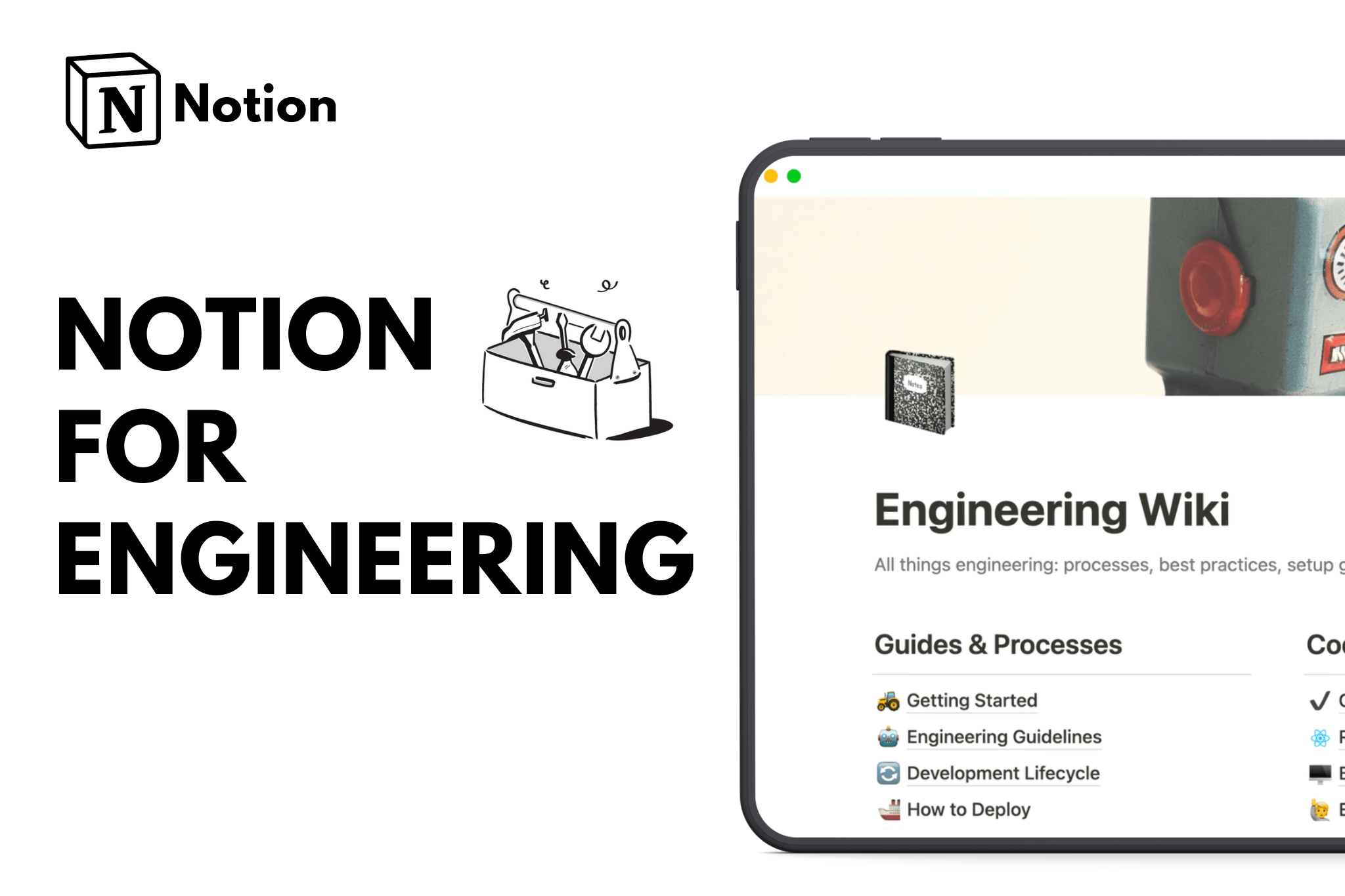
Template: Basic Engineering Wiki by Notion

Every engineering team has tribal knowledge locked in senior developers’ heads. When those developers leave or take vacation, productivity crashes as teammates scramble to reverse-engineer decisions made months ago.
The Problem It Solves: Undocumented systems are ticking time bombs. New engineers take weeks to ramp up, debugging takes longer than it should, and critical knowledge disappears when team members change roles. The cost of poor documentation compounds daily but remains invisible until it’s too late.
Use Case: Centralizing technical knowledge including architecture decisions, API documentation, onboarding guides, and system diagrams.
3. Design Decision Logs (Very Underrated)
Template: Decision Tracker by Anton Zhezherun

Six months from now, someone will ask “Why did we build it this way?” If you don’t have a decision log, the answer will be “I don’t remember” or worse, “Let’s rebuild it the way we almost did the first time,” repeating the same analysis twice.
The Problem It Solves: Engineering decisions involve tradeoffs. The choice to use microservices over a monolith, Postgres over MongoDB, or REST over GraphQL always involves context that seems obvious today but becomes opaque over time. Without capturing the reasoning, teams revisit settled debates, make inconsistent choices, and lose the thread on long-term architectural vision.
Use Case: Tracking why decisions were made, what alternatives were considered, and what context influenced the choice.
4. Issue & Risk Tracking
Template: Issue Tracker by Notion

Production incidents, security vulnerabilities, technical debt, and architectural risks don’t announce themselves politely. Without systematic tracking, critical issues get lost in Slack threads, buried in email, or simply forgotten until they become emergencies.
The Problem It Solves: Engineering risk is death by a thousand cuts. Any single issue seems manageable, but the cumulative effect of untracked problems is system fragility, security incidents, and unexpected outages. Teams need early warning systems, not just incident response tools.
Use Case: Identifying and mitigating risks early through systematic issue logging, severity classification, and ownership assignment.
Related

IT Issue Tracker
5. Workflow & Process Management
Template: Subtasks System by Second Brain

Engineering teams perform the same workflows repeatedly: code review processes, deployment checklists, incident response runbooks, security audit procedures. When these exist only in people’s heads, quality becomes inconsistent and mistakes happen.
The Problem It Solves: Undocumented processes lead to inconsistent execution, critical steps getting skipped, and junior engineers unclear on expectations. Every time someone asks “What’s the process for deploying to production?” there should be a definitive answer, not a variety of interpretations.
Use Case: Standardizing repetitive engineering workflows with clear steps, checklists, and ownership.
6. Time & Workload Management
Template: Team Task Tracking by Notion

Engineering requires deep work, but meetings and interruptions fragment attention. Without visibility into how time is actually being spent, managers overload their teams, burnout creeps in, and productivity suffers even as everyone appears busy.
The Problem It Solves: The engineering manager’s dilemma: how do you balance sprint commitments with the reality that developers need uninterrupted focus time? Traditional task tracking shows what needs to be done but not whether people have the cognitive space to do it well.
Use Case: Managing deep work vs meetings by visualizing team capacity, workload distribution, and time allocation.
7. Learning & Skill Development
Template: Skill Development Board by Pika

Technology evolves faster than most engineers can keep up. Without intentional skill development, teams stagnate, using outdated approaches while competitors adopt more effective tools. Individual growth also stalls, leading to disengagement and turnover.
The Problem It Solves: Professional development is always urgent but never urgent enough. It gets perpetually postponed in favor of immediate deliverables. The cost is invisible until you realize your team can’t adopt the technologies that would make them 10x more productive, or your best engineers leave for opportunities that invest in their growth.
Use Case: Continuous professional development through goal setting, resource tracking, and progress monitoring.

Take Your Career To the Next Level with This Notion Template
8. Meeting Notes & Action Items
Template: Engineering Manager Starter Pack by Cassia

Most engineering meetings end with vague commitments and unclear ownership. Three days later, no one remembers what was decided or who’s supposed to do what. Work doesn’t happen and another meeting gets scheduled to “check in.”
The Problem It Solves: Meetings are expensive. A one-hour meeting with six engineers costs the company hundreds of dollars in time. When those meetings don’t produce clear outcomes and actions, that money is simply burned. The real cost isn’t the meeting itself but the work that doesn’t happen because accountability was unclear.
Use Case: Turning meetings into actions through structured notes, decision capture, and clear follow-up items.
9. Asset & Resource Tracking
Template: The Staff & Asset Manager by Pika

Engineering teams accumulate resources: development environments, API keys, licenses, hardware, test devices, cloud resources, and specialized equipment. When no one knows what exists, where it is, or who’s using it, money gets wasted on duplicate purchases and projects get blocked waiting for resources that are sitting unused.
The Problem It Solves: Resource visibility is a surprisingly common pain point. Someone needs a test device for mobile development and buys one, not knowing three identical devices are sitting in a drawer across the office. A license expires and blocks a critical deployment. A departing employee takes company credentials with them, creating a security risk.
Use Case: Tracking tools, equipment, or digital assets including ownership, location, and availability.
Related

Equipment Maintenance Tracker
Conclusion
Engineering teams generate enormous value, but that value is often undermined by organizational friction. The right Notion templates don’t add overhead; they remove it by making information findable, decisions explainable, and workflows repeatable.
The teams that ship consistently, maintain quality under pressure, and retain their best people all have one thing in common: they’ve invested in the systems that support their work. These ten templates provide the foundation for building those systems in Notion.
FAQs
What is the best project management software for engineering teams?
The best project management software for engineering teams includes Notion, Jira, Linear, and Asana. Notion excels by combining project tracking, technical documentation, and knowledge management in one platform, eliminating context-switching.
What are the best practices for engineering documentation management?
Effective engineering documentation improves collaboration, knowledge retention, and project efficiency. Key practices include centralizing docs in tools like Notion, standardizing formats, maintaining version control, organizing content by project or function, and regularly updating information. Collaborative editing and searchable metadata make documentation easier to use and keep teams aligned.
What is the difference between project management software and engineering management platforms?
Project management software (Asana, Monday.com) focuses on task tracking and timelines for general business use. Engineering management platforms (Jira, Linear) include code integration, technical debt tracking, sprint planning, and developer analytics. Engineering platforms connect commits and pull requests to tasks and understand technical workflows. Notion works as both depending on configuration.
How do you calculate ROI on engineering productivity tools?
Calculate ROI by comparing costs (licensing, implementation, training) against benefits like reduced bug resolution time (15-30% improvement), faster onboarding (6-8 weeks down to 3-4 weeks), and increased sprint velocity. For a 20-person team at $150K per engineer, a 5% productivity gain ($150K value) easily justifies $10-20K in annual tooling costs. Most teams see positive ROI within 3-6 months.